Introduction to Zyplo
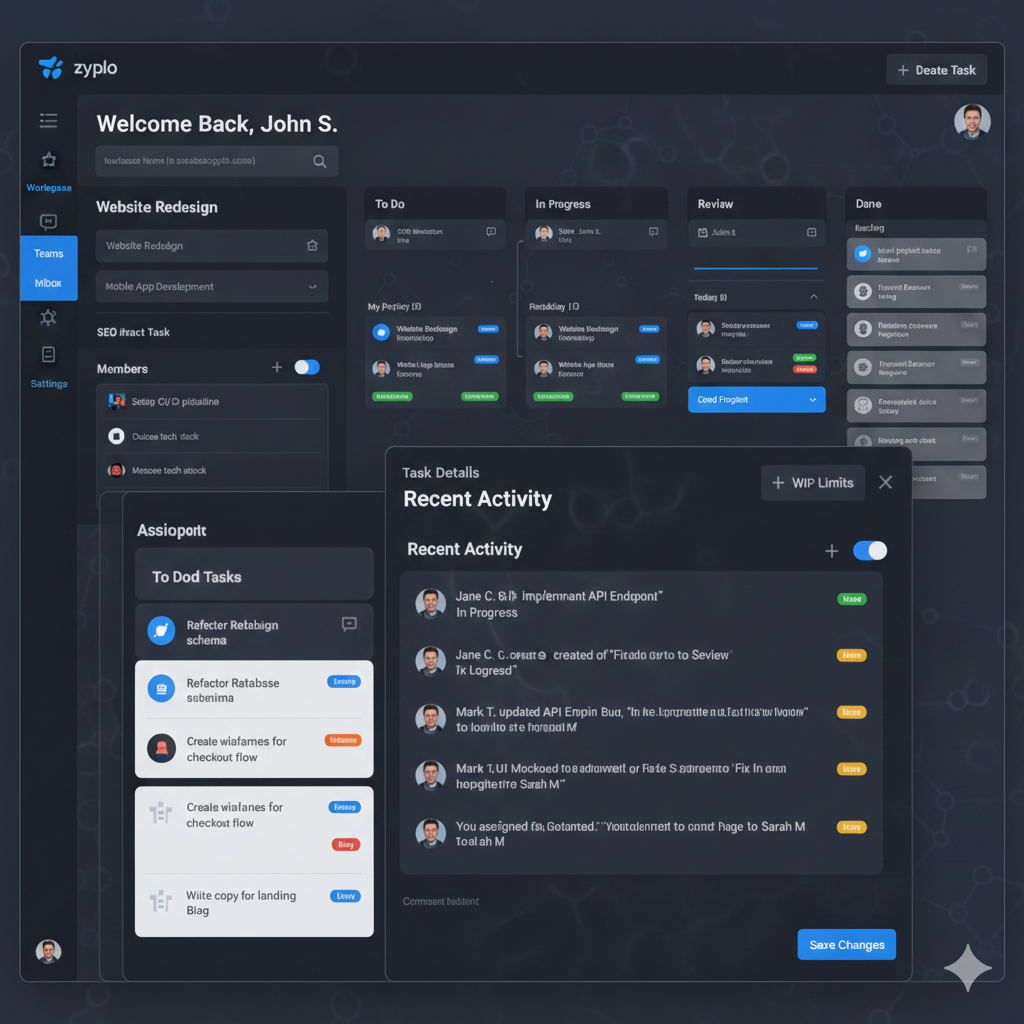
Welcome to the Zyplo Guide. This documentation helps teams adopt Zyplo quickly and run projects with less overhead.
Zyplo combines project planning, task execution, status tracking, notifications, and recent activity in one workspace-first system.
The product is designed for software teams, startup operators, and cross-functional teams who need fast collaboration without losing visibility.
Use this guide as both an onboarding handbook for new members and a reference manual for daily operations.
Quick Start Checklist
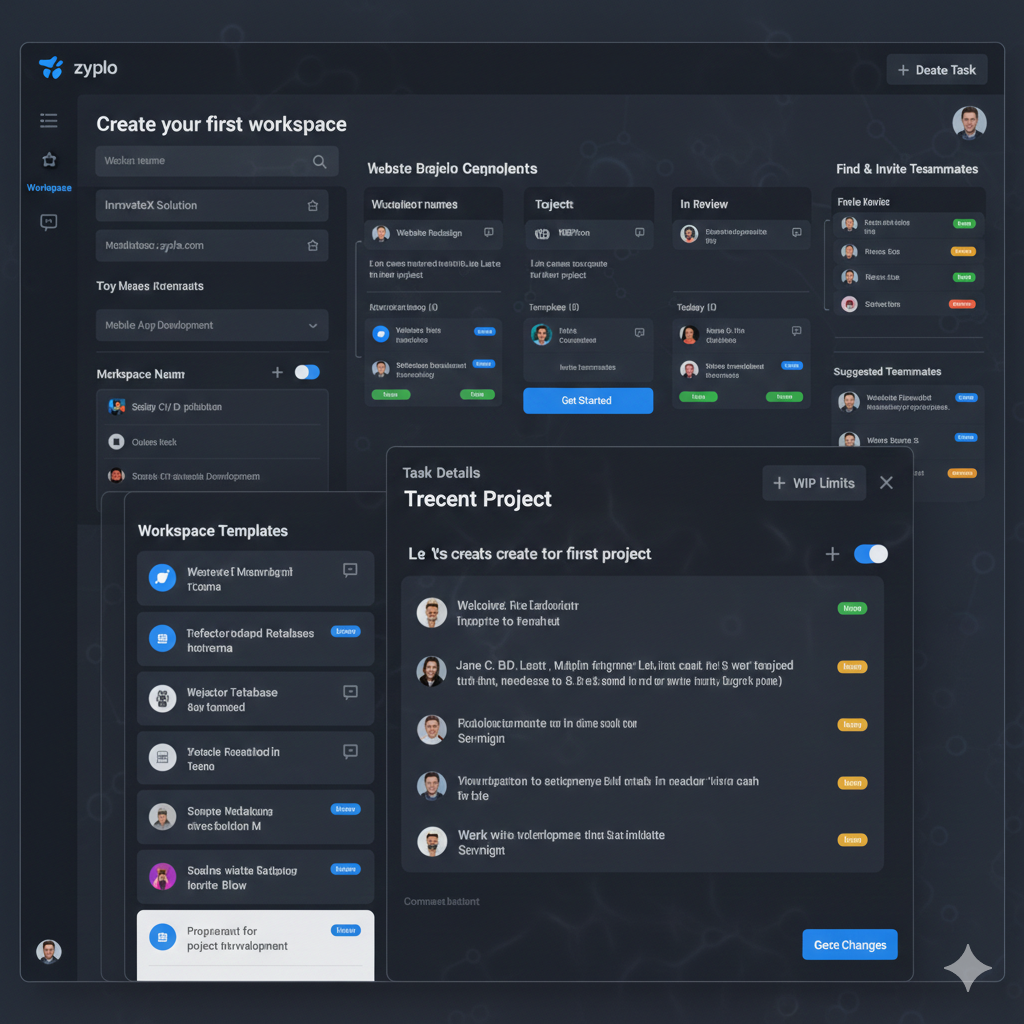
Create your account, then set your profile details so teammates can identify you clearly in assignments and activity logs.
Create your first workspace and define naming conventions for workspace, projects, and task titles before inviting the team.
Start with one pilot project and standard columns: To Do, In Progress, In Review, Done.
Invite members with correct roles from day one. Admin permissions should be limited to owners or team leads.
Create 5 to 10 real tasks and run one weekly cycle before scaling workflows.
Workspace Architecture
Workspace Model
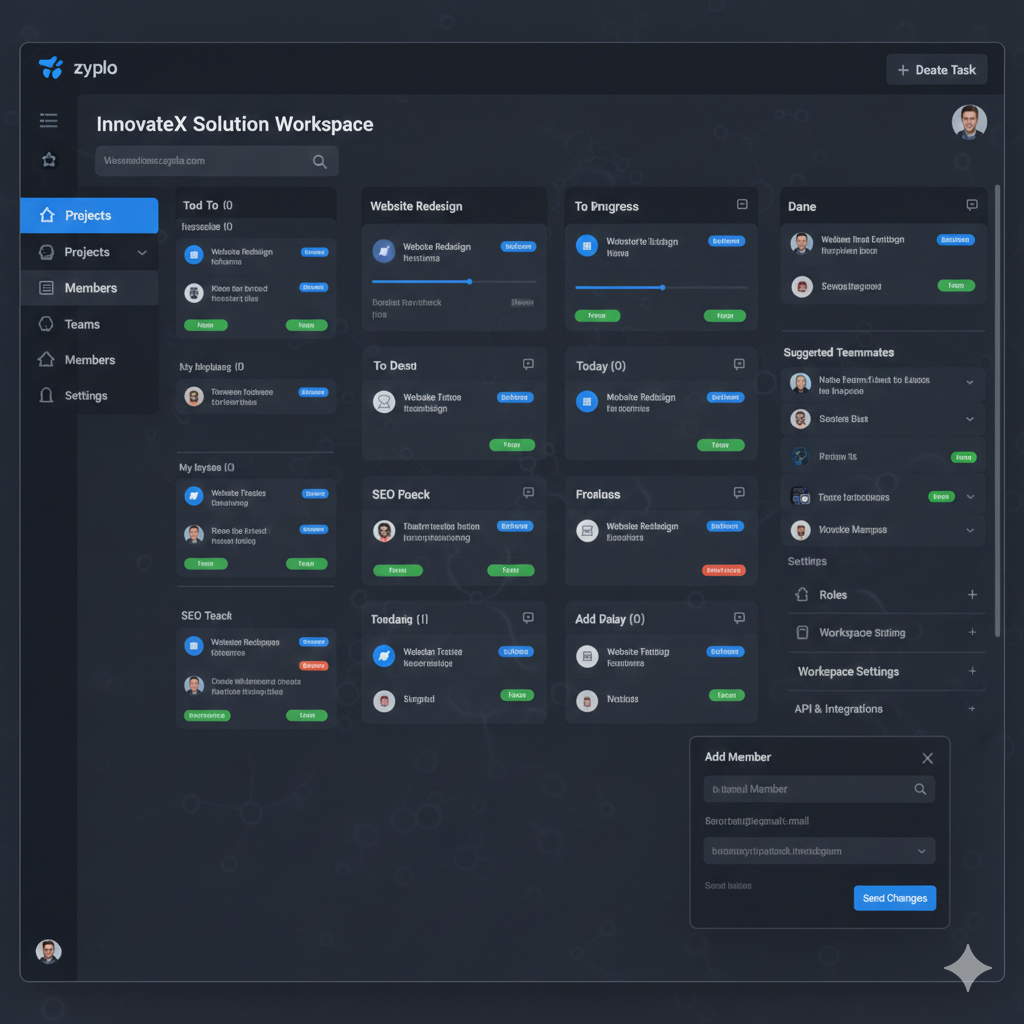
A workspace represents an organization or team boundary. Keep it stable and avoid creating many temporary workspaces.
A healthy workspace has clear member roles, stable project ownership, and well-defined conventions for naming and priority.
As your team grows, split by business unit only when permissions or reporting boundaries require it.
Project Model
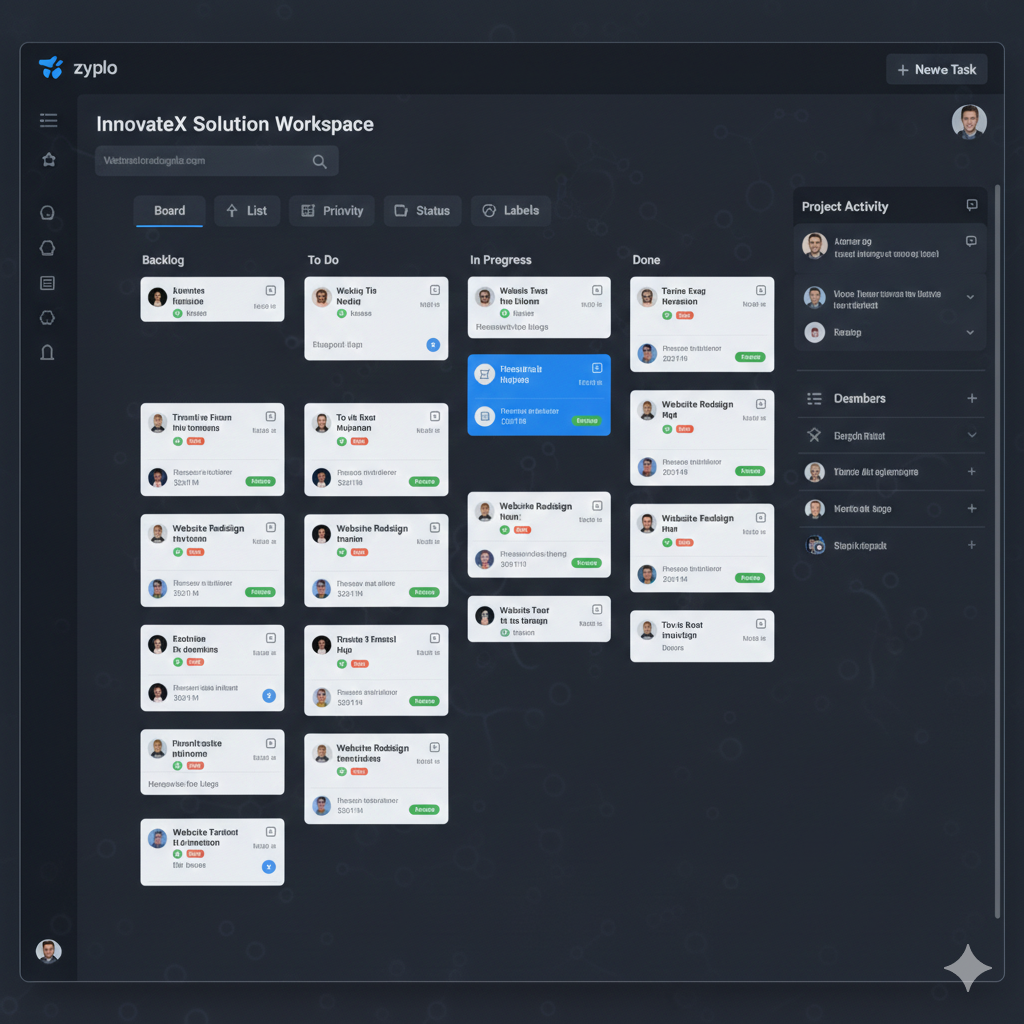
Projects should map to a product area, initiative, or delivery stream. Avoid one giant project for all work.
Define a project key, success outcome, and review cadence so status is meaningful.
Close or archive inactive projects to reduce noise and keep team focus on active delivery.
Task Model
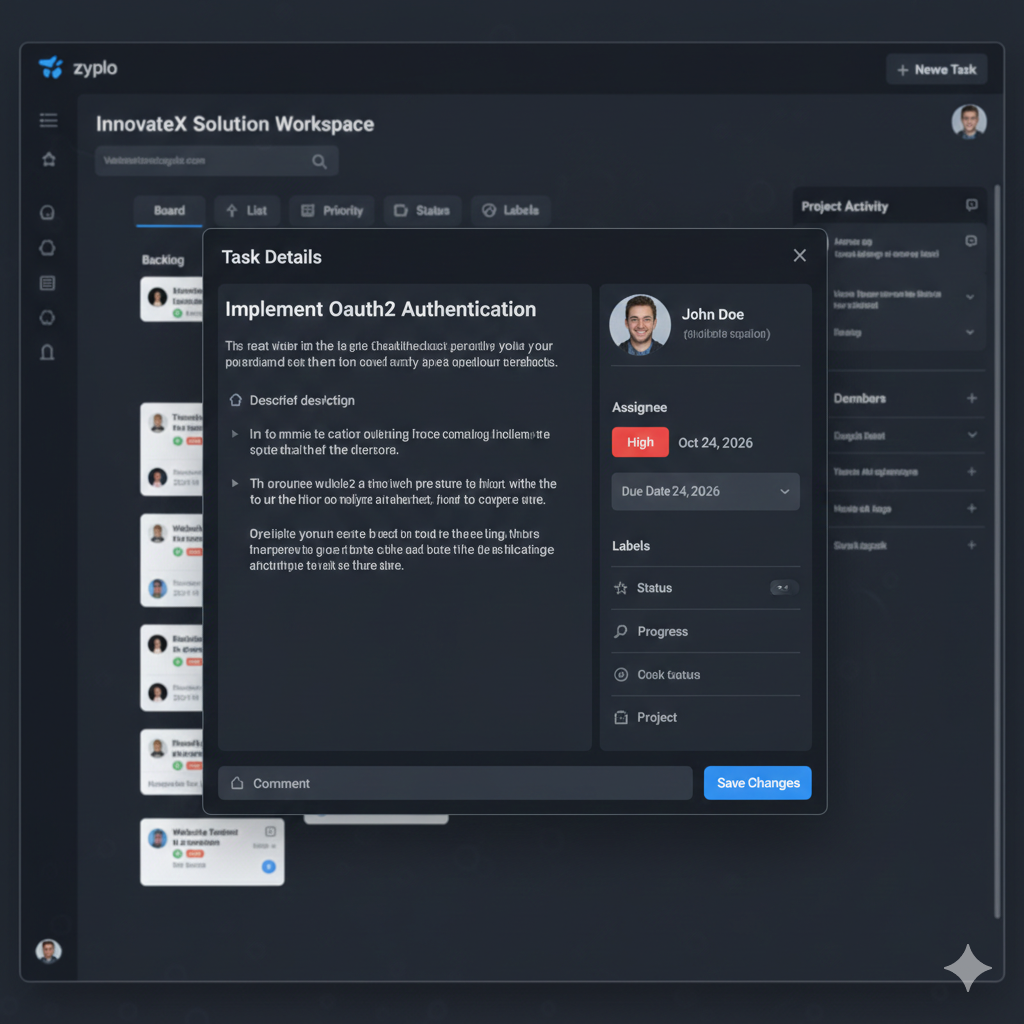
Each task should answer: what is needed, who owns it, when it is due, and what done means.
Keep descriptions actionable. Include acceptance criteria, dependencies, and links when relevant.
Use priorities consistently. Define what P1, P2, and P3 mean for your team and write this rule in project docs.
Board and Status Workflow
Column Design
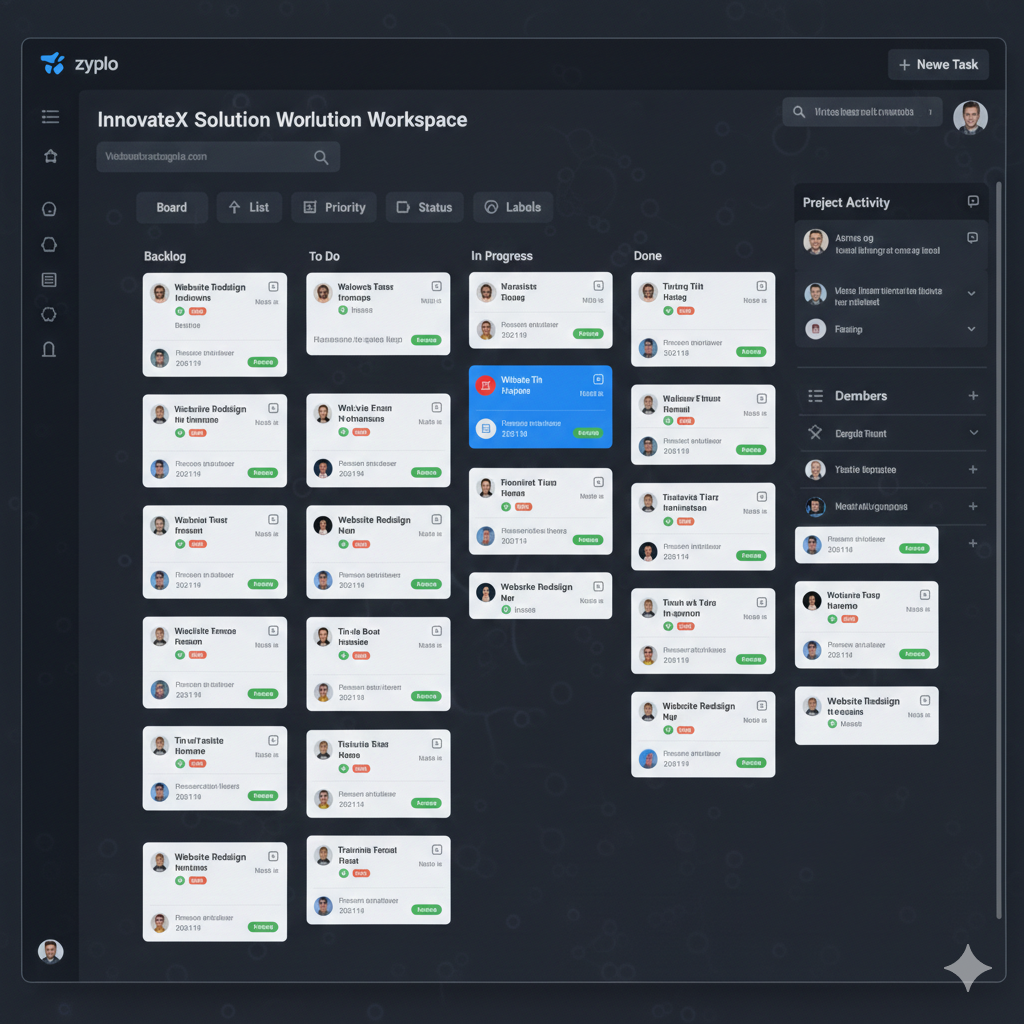
Use a minimal number of columns. Every extra status increases coordination cost.
Define explicit entry and exit criteria for In Review and Done to avoid ambiguous states.
If tasks often stay blocked, add process rules before adding new status columns.
Status Governance
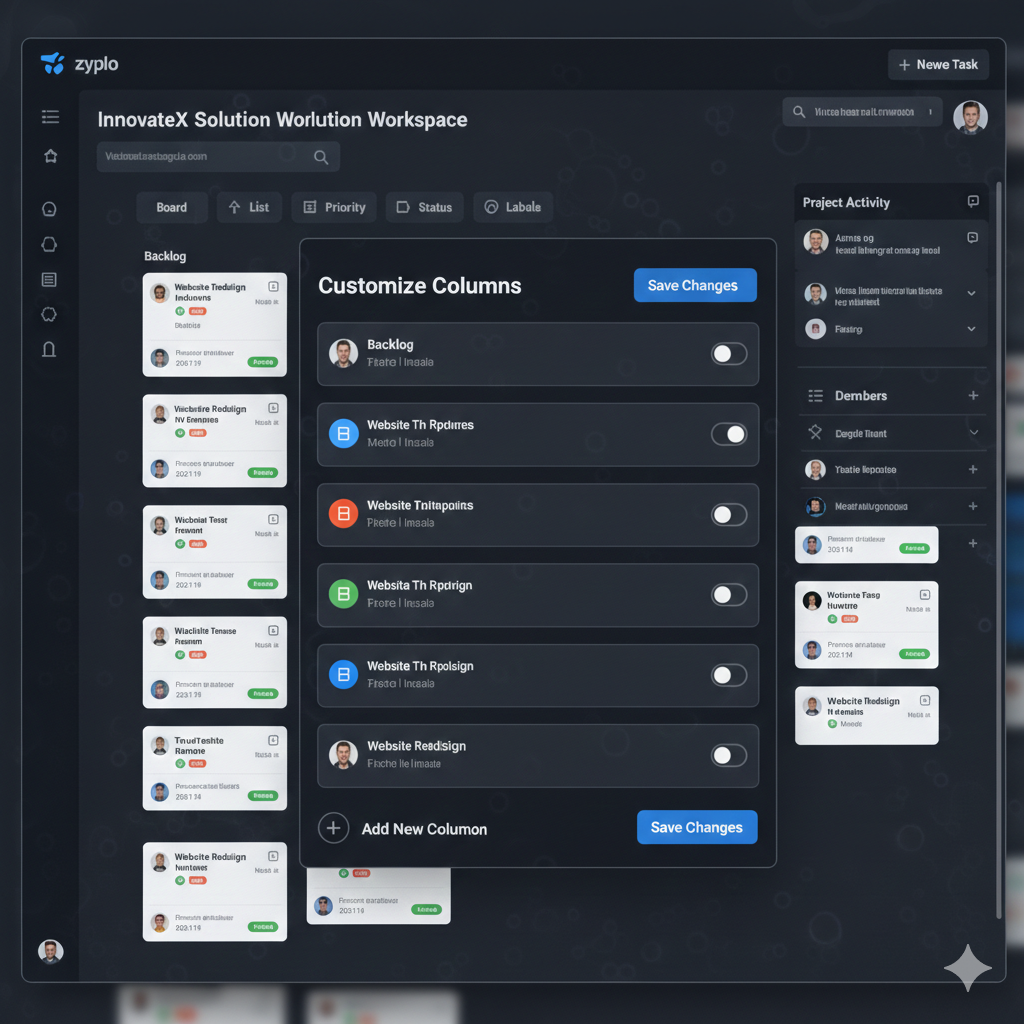
Status changes should indicate real progress, not just movement. Keep transitions intentional.
When a status is changed by a third person, both assignee and assigner should be notified for accountability.
Capture from-status and to-status in activity and notifications for clear historical context.
Daily Operations
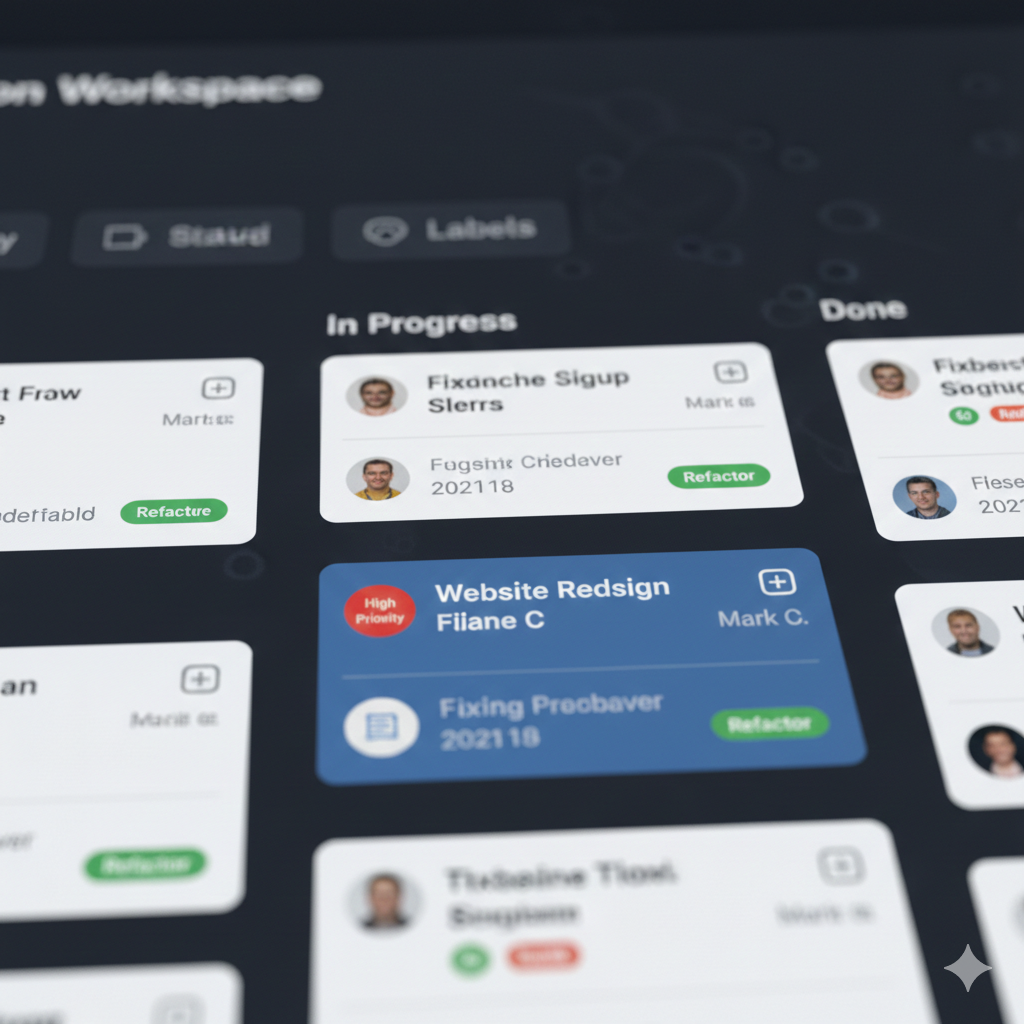
Use morning standups to review blocked tasks, overdue items, and ownership gaps.
At the end of each day, move statuses accurately so next-day planning is reliable.
Team leads should review notifications and recent activity to identify handoff failures or stalled work.
Run a weekly cleanup: close stale tasks, update estimates, and normalize priorities.
Advanced Productivity
Command Palette
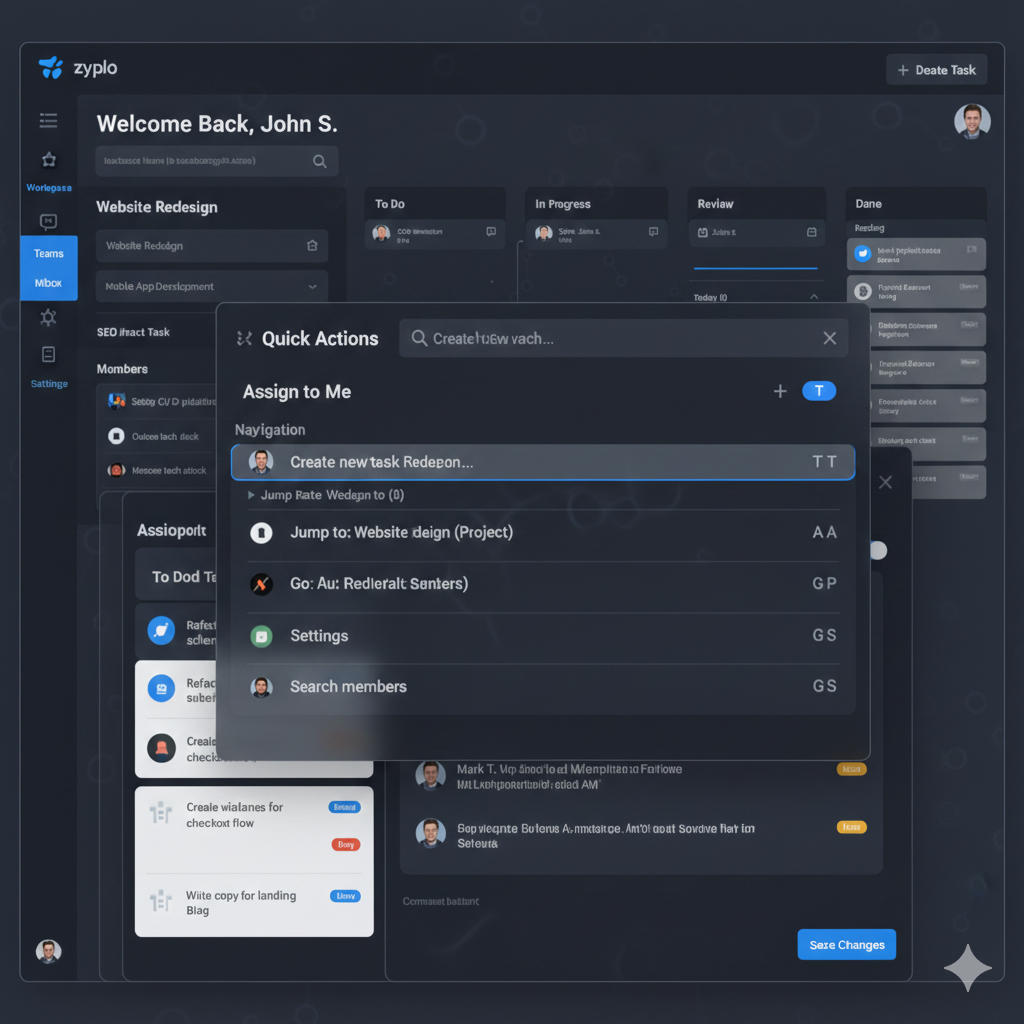
Use Ctrl + K for quick navigation and high-frequency actions.
Adopt keyboard-first flows for status updates and project switching to reduce context switching.
Train new members on top five command palette actions in onboarding week.
Notifications and Activity
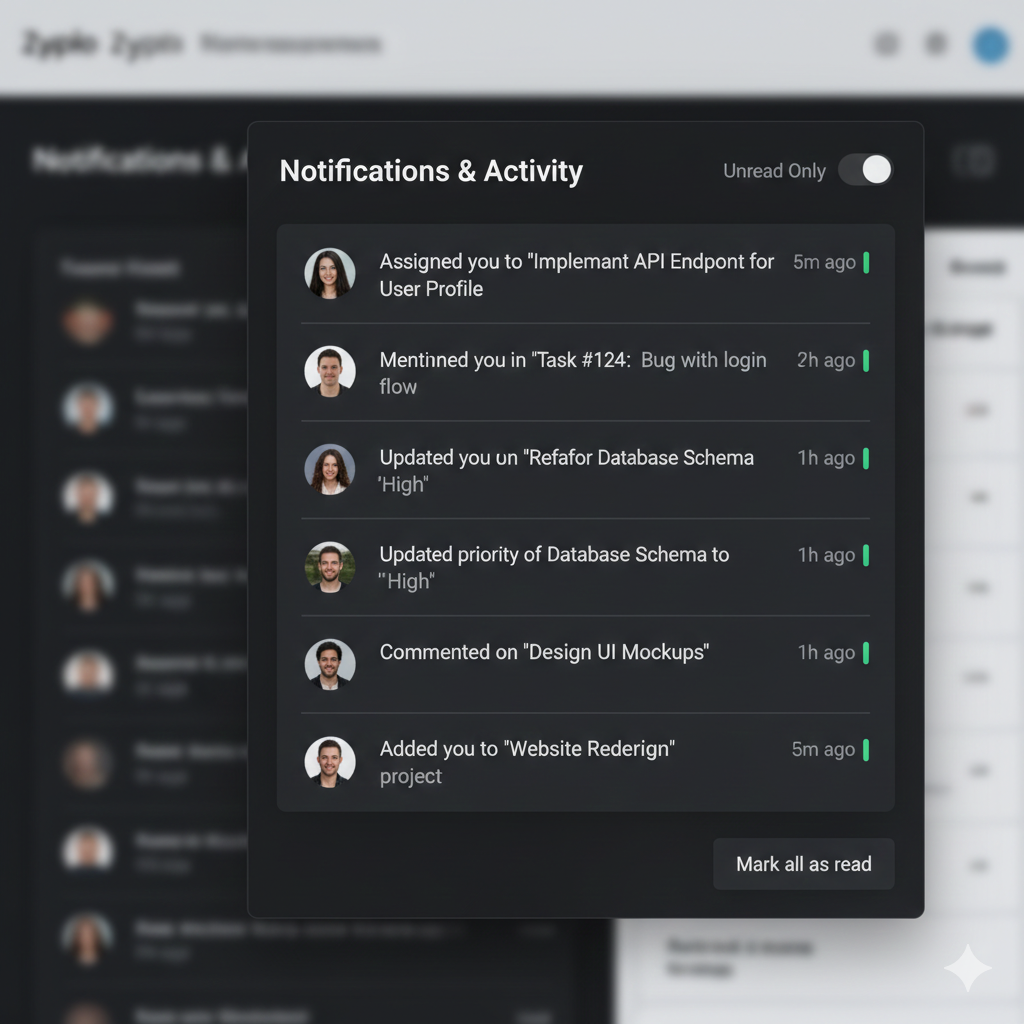
Notifications should highlight assignments, status changes, and key due-date changes.
Recent activity should answer who changed what and when across your workspace.
Avoid notification spam by deduplicating semantically equivalent statuses such as inreview and in_review.
Profile Completion
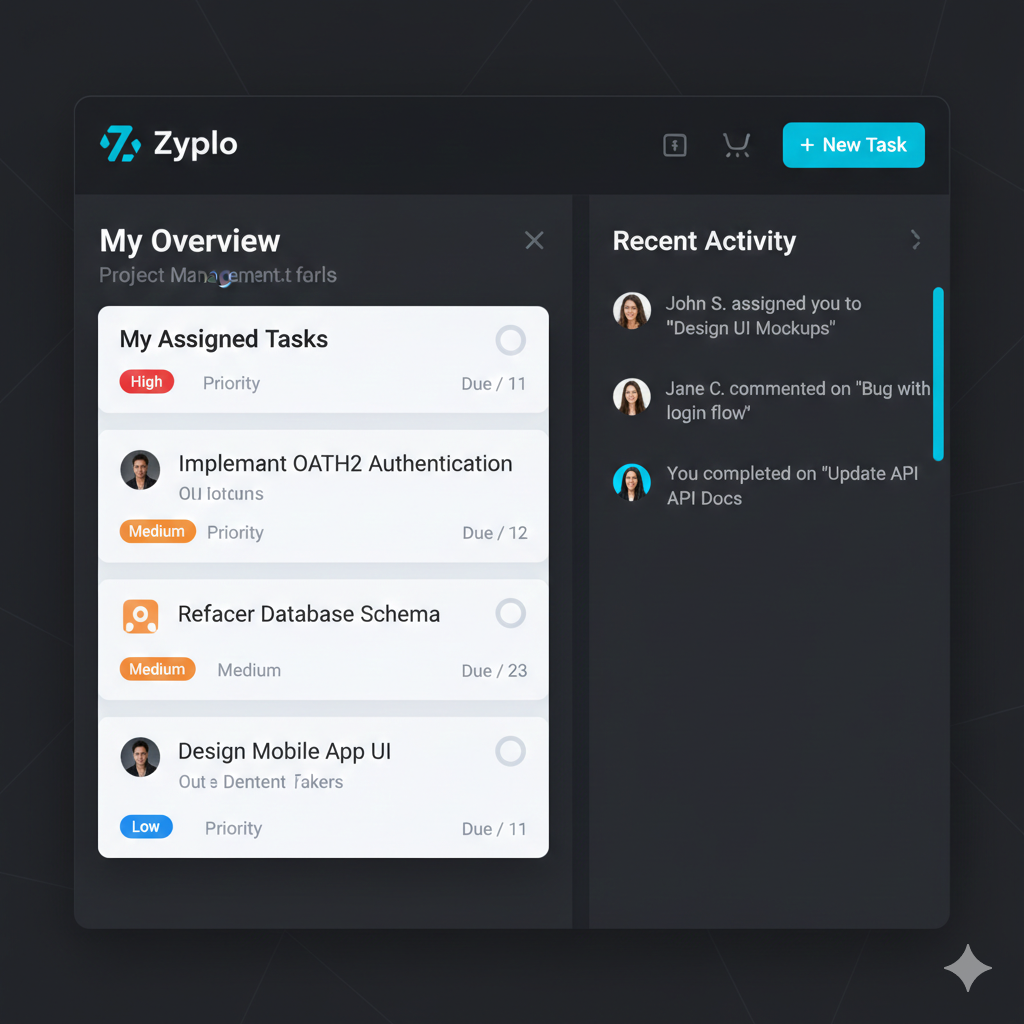
A complete profile improves assignment clarity and ownership visibility across projects.
Encourage members to add role title, location, avatar, and contact details after signup.
Use profile completion nudges to reduce anonymous actions and improve team communication quality.